 Innomerc
 Choose your depth. Learn at your own pace.
Understand it
A log is a record of an event a system observed. For example: “At 09:15 UTC, account A had a failed sign-in.” That tells you a sign-in failed. It does not tell you who was at the keyboard or why it failed.
Think of a visitor book with missing pages. The entries are useful, but an empty page is not proof that nobody visited. Ask what the system records, what it omits and whether collection was working.
Under the hood
Useful events include timestamps with time zones, event type, outcome and relevant identifiers. Normalize clocks and preserve source context when collecting records centrally. Avoid recording passwords, approval codes, session secrets and unnecessary personal data.
Practitioner perspective
Define logging from investigation questions, with owners, retention, access control and health monitoring. Confirm that test events reach the collector. Distinguish missing telemetry from no activity, and separate observed facts, alternative explanations and the next evidence needed.
SIEM
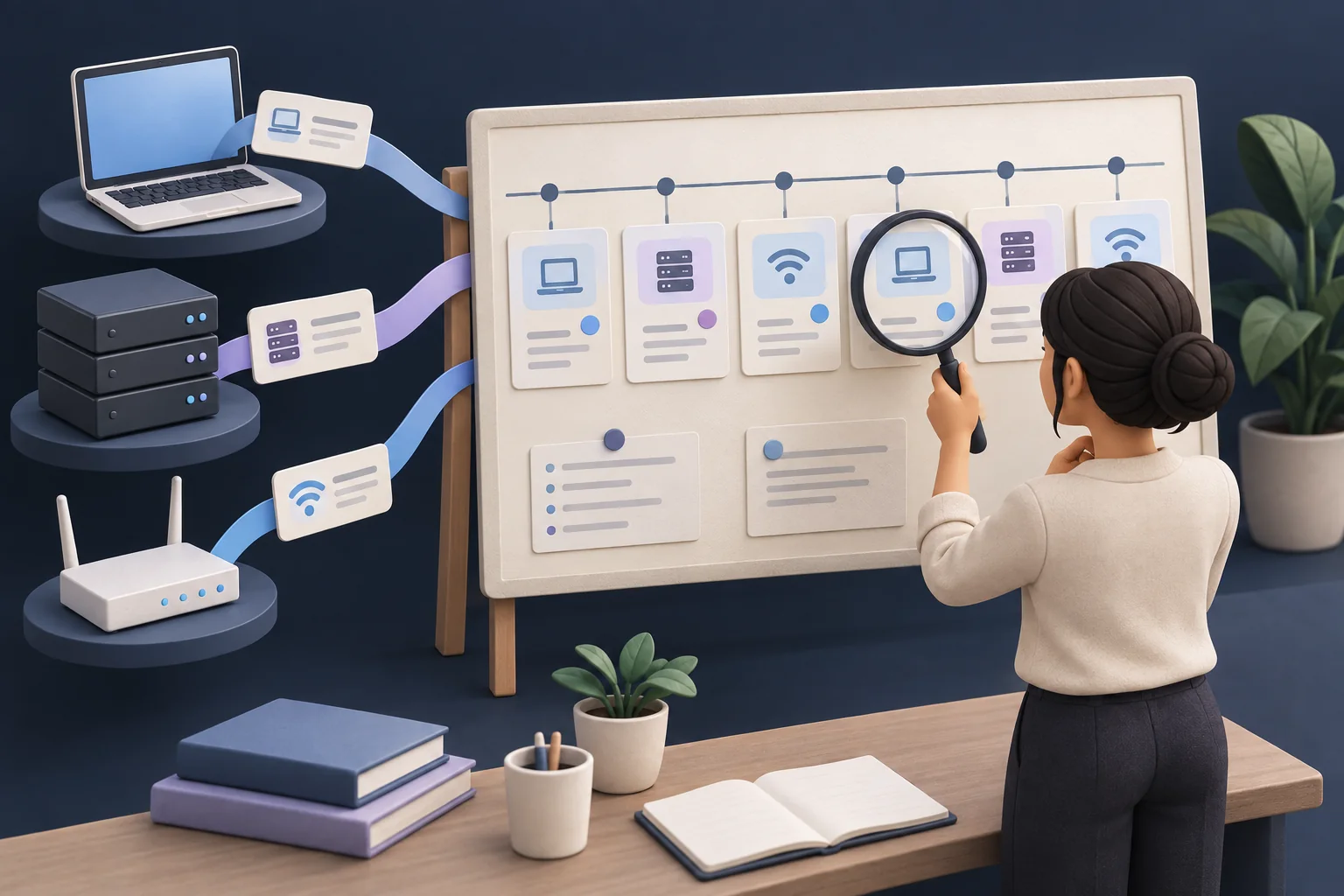
A log is a record of an event a system observed. For example: “At 09:15 UTC, account A had a failed sign-in.” That tells you a sign-in failed. It does not tell you who was at the keyboard or why it failed.
Illustrated analogy · Select the image to enlargeWatch it work
A fictional, simplified model. Select a component to inspect it, or follow the steps in order.
An event is useful only if the evidence arrives.
Example: a fictional service records a failed sign-in. Follow its journey to an analyst.
The analyst starts with an observation and looks for context before judging intent.
How to use this example
Select Next step to read at your own pace, or Animate step to watch one exchange. Nothing advances until you choose.
What it means
Everyday example
State in this scenario
Inspect components & read every step
- Sign-in service
The system handling attempts to enter an account.
Example: It records whether a sign-in succeeded or failed.
- Log collector
A system that receives and stores event records for later examination.
Example: It collects failed sign-in events with their times and source context.
- Analyst
A person examining evidence to understand what happened.
Example: An analyst checks related events before deciding whether a failed sign-in is suspicious.
Record received
The analyst starts with an observation and looks for context before judging intent.
- Sign-in service Log collector: Failed sign-in. The event includes a time, account identifier and recorded outcome.
- Log collector Analyst: Search result. The analyst can retrieve the event with its source context.
- Analyst Log collector: Check context. The analyst checks related events and alternative explanations.
Collection interrupted
An empty search result cannot rule out an event when collection is broken.
- Sign-in service Log collector: Delivery fails. The service emits an event but the collector does not receive it.
- Analyst Log collector: Search. The analyst searches the central system for the event.
- Log collector Analyst: Health warning. A collection-health check reveals missing telemetry.
Fictional teaching trace. One moving dot represents an exchange, not a measured network capture.
Open the detailed lesson walkthrough
Explore the system
Event
A service records a failed sign-in.
Read every step without animation
Evidence arrives
- Event. A service records a failed sign-in.
- Collector. The record reaches the logging system.
- Review. An analyst checks context before drawing conclusions.
State what is observed and what remains uncertain.
Collection gap
- Event. A service produces an event.
- Delivery fails. The central collector does not receive it.
- Blind spot. An empty search cannot rule out activity.
Test collection before trusting an empty result.
Attack view
A team treats missing alerts as proof of safety while its authentication-log collector has stopped receiving events.
Defender view
- Check collection health with known test events and monitor delays or gaps.
- Limit sensitive log contents and access; document timestamps and source context.
Common mistakes
- A failed sign-in is not automatically a successful compromise.
- No recorded event is not proof that no event happened.
Check your understanding
Active recall: explain this idea in 30 seconds
A log is a record of an event a system observed. For example: “At 09:15 UTC, account A had a failed sign-in.” That tells you a sign-in failed. It does not tell you who was at the keyboard or why it failed.
Now give an example and name one limitation. Revisit the explanation if you get stuck.
Primary sources
Original explanations informed by these specifications and official resources. Source versions and lesson review are separate from product updates.
Content reviewed 2026-09-10. Read the editorial policy.