 Innomerc
 Choose your depth. Learn at your own pace.
Understand it
Multi-factor authentication asks you to prove your identity using different kinds of evidence. A password is something you know. An authenticator or security key can prove possession of something you have. Two passwords are still one kind of factor.
Imagine someone learns the password to your fictional Cedar account. With only that password, they may sign in as you. A second factor adds another check before the service creates a signed-in session. Keep recovery codes somewhere safe; recovery is another entrance to the same account.
Under the hood
A TOTP authenticator and the service share a secret. They independently calculate a short-lived code from time and that secret; the server allows a small clock window and must prevent reuse. Push authentication instead asks a registered device to approve a request. Unexpected approval prompts should be rejected.
WebAuthn credentials use public-key cryptography scoped to a relying party. A passkey with user verification can combine possession and a local PIN or biometric. Unlike a typed OTP, its authentication is bound to the legitimate site. After authentication, a session cookie often carries access; it needs protection too.
Practitioner perspective
Evaluate phishing resistance, enrollment, recovery, session lifetime and device changes as one system. OTPs can be relayed through phishing sites; ordinary push approvals can be abused through fatigue. MFA does not automatically prevent theft of an already established session.
Useful telemetry includes factor enrollment, recovery changes, denied challenges, unusual sign-ins and session revocations. Correlate signals with device and user context before escalating. Measure the actual method used rather than treating an “MFA enabled” flag as proof of assurance.
MFA
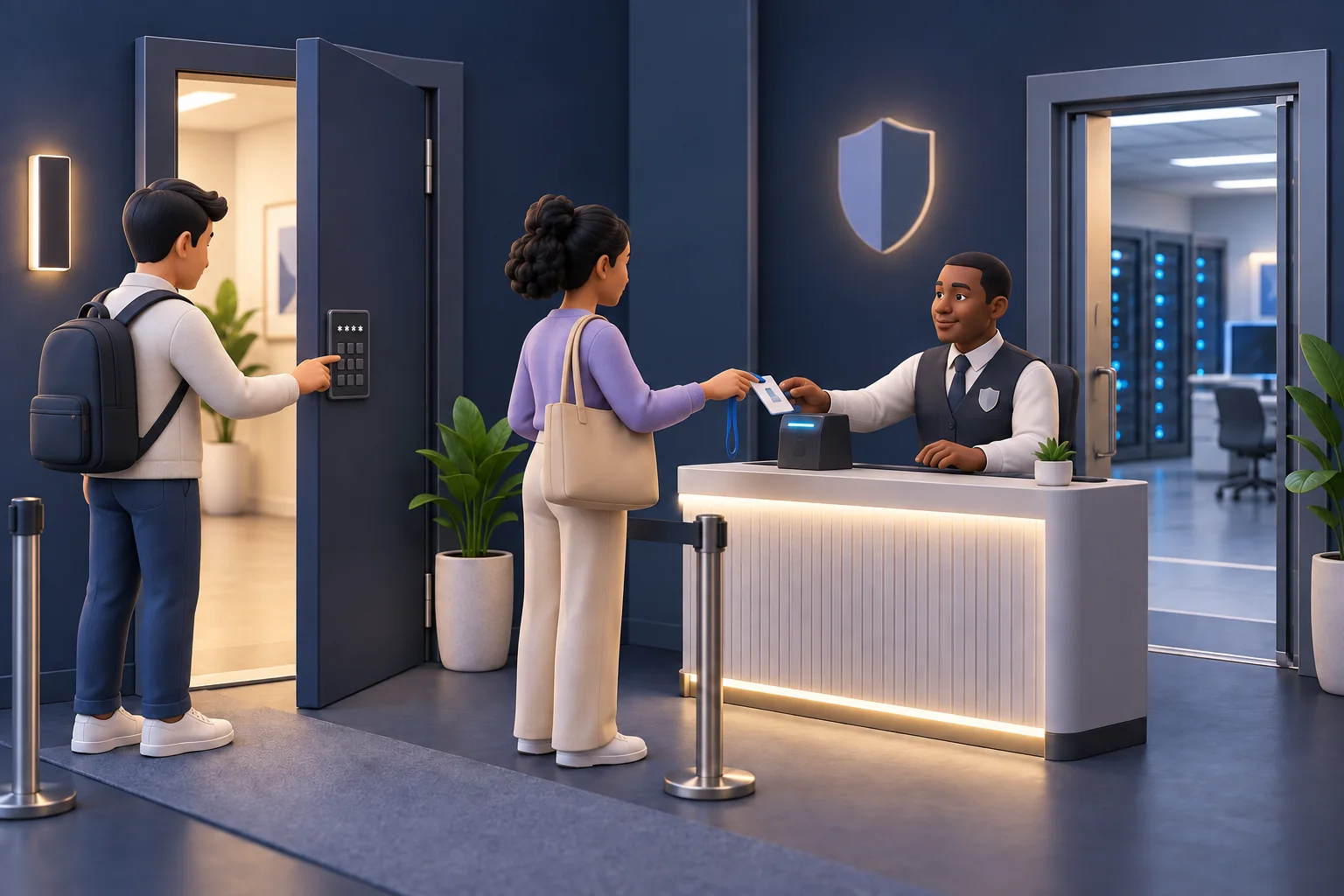
Multi-factor authentication asks you to prove your identity using different kinds of evidence. A password is something you know. An authenticator or security key can prove possession of something you have. Two passwords are still one kind of factor.
Illustrated analogy · Select the image to enlargeWatch it work
A fictional, simplified model. Select a component to inspect it, or follow the steps in order.
A stolen password meets a second check
Follow the attacker’s request to the exact point where the outcome changes.
A password alone does not satisfy this account’s sign-in policy.
How to use this example
Select Next step to read at your own pace, or Animate step to watch one exchange. Nothing advances until you choose.
What it means
Everyday example
State in this scenario
Inspect components & read every step
- Sign-in client
The browser or app sending a request to enter an account.
Example: Your phone sends a sign-in request to an identity service.
- Identity service
A system that checks identity and manages sign-in decisions.
Example: It checks a password and may require an additional authentication factor.
- Authenticator
A device or method used to prove control of an authentication factor.
Example: A security key or an authenticator app helps verify a sign-in. Methods have different protections against phishing.
- Private account
The protected account reached only after the required checks succeed.
Example: Your email inbox should not open for someone who fails sign-in checks.
MFA enforced
A password alone does not satisfy this account’s sign-in policy.
- Sign-in client Identity service: Stolen password. The supplied password passes the first check.
- Identity service Authenticator: Challenge. A registered second factor is required.
- Identity service Sign-in client: Denied. No acceptable second-factor proof arrives; no session is issued.
Password only
This weaker policy issues a session on a matching password alone.
- Sign-in client Identity service: Stolen password. The attacker has the correct password.
- Identity service Private account: Issue session. No independent second factor is required.
- Private account Sign-in client: Access. The stolen password was enough in this policy.
Legitimate sign-in
Independent factor evidence completes the configured policy.
- Sign-in client Identity service: Password. The first factor is checked.
- Identity service Authenticator: Challenge. The registered authenticator receives the challenge.
- Authenticator Identity service: Valid proof. The service verifies the second-factor evidence.
- Identity service Private account: Issue session. The authenticated session is issued.
Fictional teaching trace. One moving dot represents an exchange, not a measured network capture.
Open the detailed lesson walkthrough
Explore the system
Stolen password
The correct password reaches Cedar’s sign-in service.
Read every step without animation
Password only
- Stolen password. The correct password reaches Cedar’s sign-in service.
- Identity accepted. There is no independent factor to check.
- Session issued. The service creates a session for the requester.
Access granted with the stolen password.
MFA enabled
- Stolen password. The password is valid, but sign-in is not complete.
- Second factor. Cedar asks for evidence from the registered authenticator.
- Request denied. Without that evidence, this attempt receives no session.
This password-only attempt is blocked; other risks still require controls.
Explore deeper: additional experiment
Can this sign-in succeed?
The stolen password is insufficient. The second factor has not been satisfied.
A local teaching model with fictional inputs. It does not test a live system.
Attack view
In this fictional example, an adversary already knows the password. The simulation compares password-only access with an additional possession check; it does not model phishing-resistant authentication or session theft.
Defender view
- Prefer phishing-resistant passkeys or security keys when supported.
- Protect enrollment and recovery; remove old factors after replacement.
- Reject unexpected prompts and review signed-in sessions after suspected compromise.
Common mistakes
- An SMS code and a security key do not offer identical protection.
- MFA protects sign-in; it does not make every subsequent action safe.
Check your understanding
Active recall: explain this idea in 30 seconds
Multi-factor authentication asks you to prove your identity using different kinds of evidence. A password is something you know. An authenticator or security key can prove possession of something you have. Two passwords are still one kind of factor.
Now give an example and name one limitation. Revisit the explanation if you get stuck.
Primary sources
Original explanations informed by these specifications and official resources. Source versions and lesson review are separate from product updates.
- NIST Digital Identity Guidelines: Authentication
- OWASP Authentication Cheat Sheet
- W3C Web Authentication
Content reviewed 2026-09-10. Read the editorial policy.